
Overview
BizHawk is a powerful multi-system emulator designed specifically for Windows, offering users the ability to play and analyze classic video games across a vast range of retro consoles. Its primary purpose is to serve as a comprehensive emulation platform for enthusiasts, speedrunners, and developers interested in retro gaming and game analysis. By supporting dozens of systems, BizHawk addresses the need for a single, unified tool that eliminates the necessity of managing multiple emulators for different platforms. This consolidation streamlines the retro gaming experience and enhances accessibility for users who want to explore a wide variety of classic titles without switching applications.
The app is particularly valuable for individuals involved in competitive speedrunning, where precise control, frame-by-frame analysis, and recording tools are essential. It also supports game developers and researchers who require accurate emulation environments for testing and debugging. The developer, BizHawk, has focused on creating a tool that balances functionality with usability, making it accessible to both beginners and advanced users. Real-world use cases include practicing speedrun strategies, conducting gameplay analysis, and preserving legacy games through accurate emulation. In the broader app ecosystem, BizHawk stands out as a specialized utility that fills a critical gap in the retro gaming landscape by providing a centralized, feature-rich environment for classic console emulation.
Key Features & Functionality
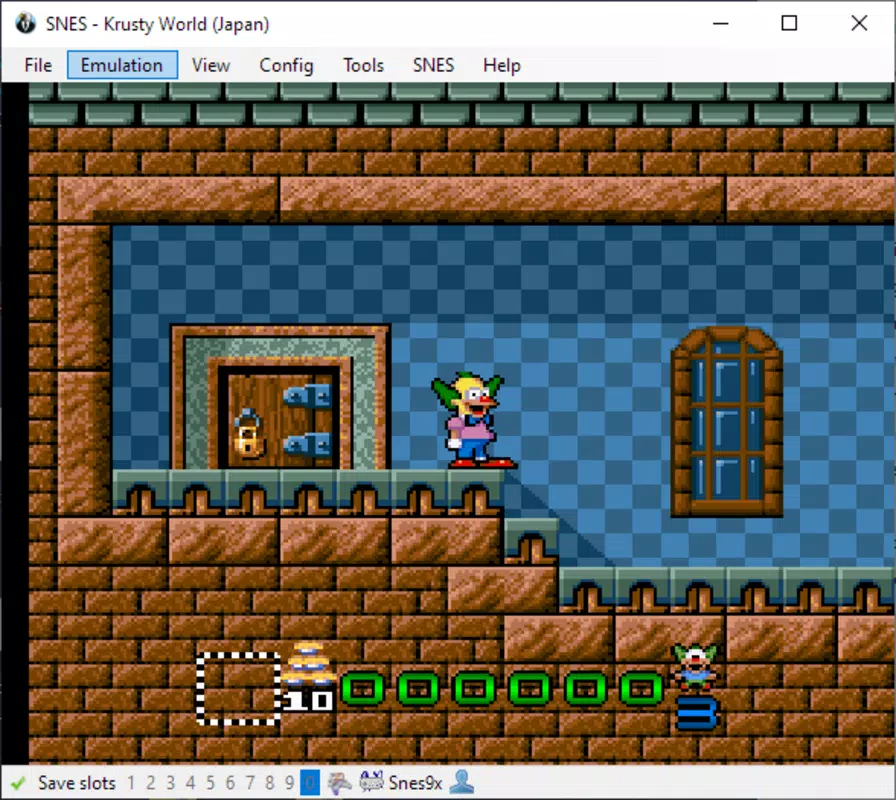
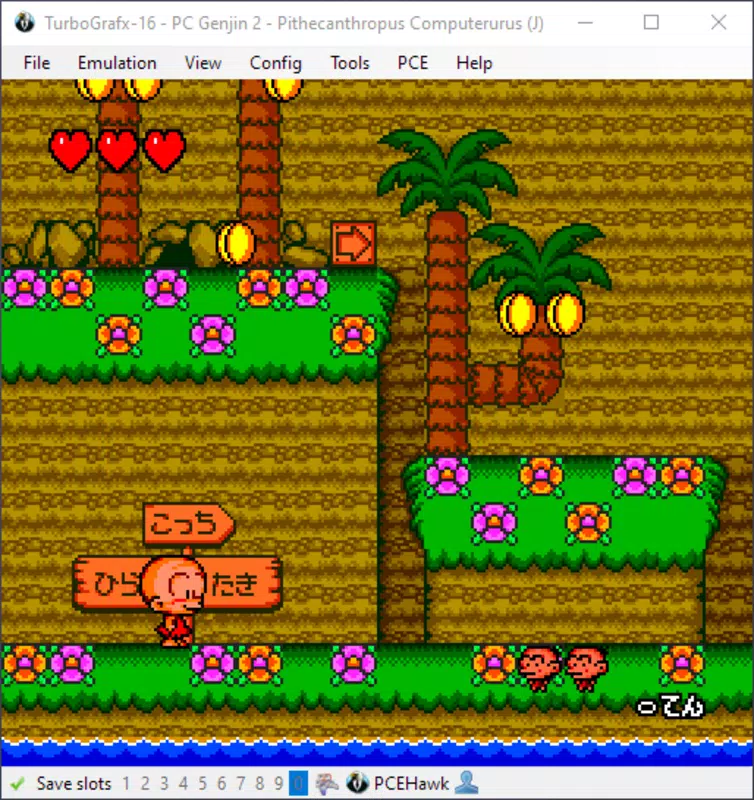
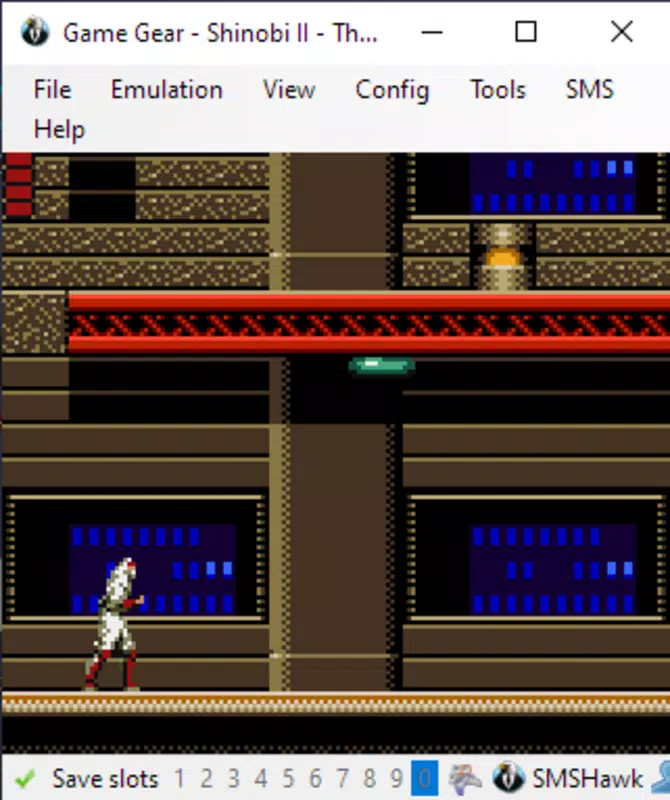
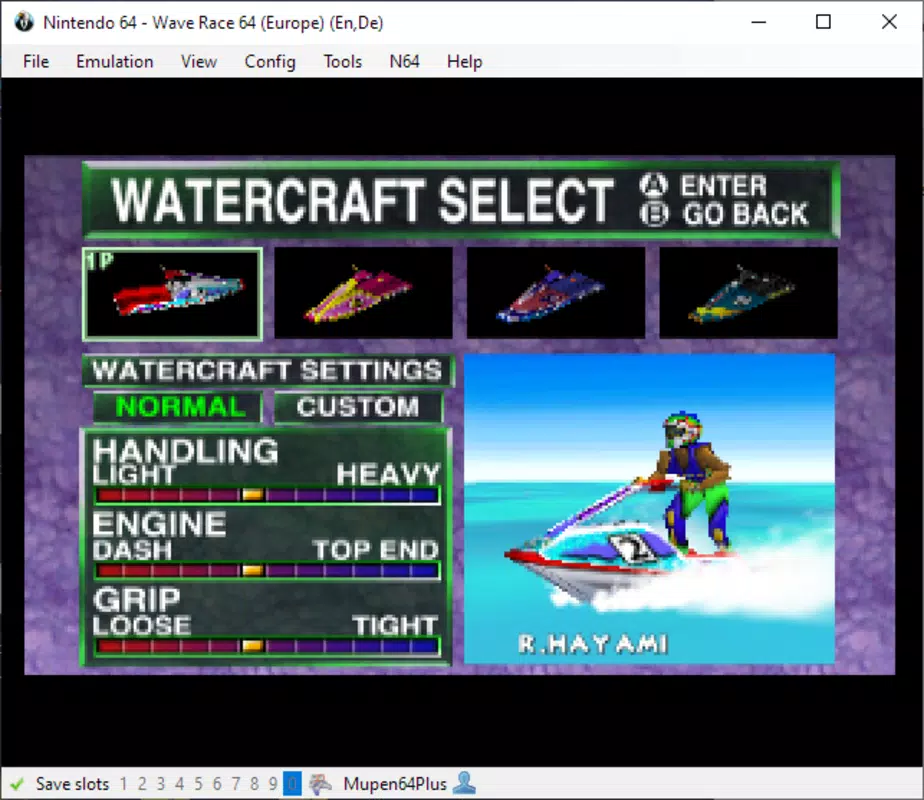
- Multi-System Compatibility: Supports a broad range of classic consoles including NES/Famicom, Nintendo 64, Game Boy Advance, Sony PlayStation, SEGA Master System, Game Gear, PC Engine, Atari 2600, Commodore 64, and many others. This allows users to access a diverse library of retro titles from a single interface.
- Integration with External Emulators: Leverages APIs from established emulators such as PicoDrive for SEGA systems and Snes9x for Super Nintendo, ensuring high performance and compatibility while maintaining the flexibility to use proven emulation engines.
- Advanced Debugging Tools: Includes features like frame-by-frame playback, slowdown modes, multiple save states, and memory viewing, which are essential for precise gameplay analysis and speedrun preparation.
- In-Game Recording: Offers built-in video and audio recording functionality, enabling users to capture gameplay sessions directly within the emulator for sharing, review, or archival purposes.
- User-Friendly Interface: Despite its advanced capabilities, BizHawk maintains a clean and intuitive layout, allowing users of all experience levels to navigate and operate the emulator efficiently.
For example, a speedrunner can use the frame-by-frame control to perfect timing on a complex jump, while a researcher might utilize the memory viewer to understand how a game’s code behaves under specific conditions. The recording feature is especially useful for creating walkthroughs or documenting progress. These tools collectively enhance the depth of interaction with retro games, transforming BizHawk from a simple emulator into a full-featured gaming and development environment.
Interface, UX & Performance
BizHawk features a clean, functional interface that prioritizes accessibility without sacrificing advanced functionality. The layout is organized into logical panels, including a main game window, a control panel, and toolbars for quick access to features like save states and recording. Navigation is straightforward, with contextual menus and keyboard shortcuts that improve efficiency for power users. The visual design is minimalistic, focusing on utility rather than aesthetic flair, which helps reduce distractions during gameplay or analysis.
Although the developer did not list formal performance metrics, the emulator is designed to run efficiently on modern Windows systems. Users can expect smooth performance on mid-to-high-end devices, with minimal lag during gameplay. On lower-end hardware, performance may vary depending on the complexity of the emulated system and the use of advanced features like recording or debugging. Responsiveness remains consistent across different tasks, with quick load times for save states and seamless transitions between systems. Stability is maintained through regular updates and community-driven improvements, though users should ensure they are running the latest version to benefit from the most reliable experience.
Platform Compatibility & Technical Requirements
BizHawk is designed exclusively for the Windows platform and requires a compatible Windows operating system. The current version is 2.8.2, with a file size of 14.8 MB, making it a lightweight application relative to its capabilities. The developer did not specify minimum OS requirements, nor did they provide information on hardware specifications or compatibility with specific Windows versions. As such, users are advised to ensure their system meets general Windows application standards to run the emulator successfully.
Given its small size and focused functionality, BizHawk is suitable for both older and newer Windows machines. However, performance may depend on the emulated system’s complexity and whether advanced features are enabled. For example, running a Nintendo 64 game with recording active may require more processing power than a simple NES title. The developer did not provide details on compatibility with Windows 11 or specific versions of Windows 10, so users should test the app on their system to confirm functionality.
Pros and Cons
Pros
- Supports a vast number of classic gaming systems in one application
- Integrates with proven external emulator APIs for reliable performance
- Offers advanced tools ideal for speedrunners and game analysts
- Includes built-in video and audio recording capabilities
- Lightweight file size with a simple, intuitive interface
Cons
- Not available on mobile platforms such as Android or iOS
- Compatibility with older or less common Windows systems is not confirmed
- Advanced features may have a learning curve for absolute beginners
- Performance on low-end systems may be inconsistent with heavy usage
- Developer did not provide detailed system requirements or OS version support
FAQ
Is BizHawk safe to download and use?
BizHawk is a legitimate open-source emulator. It does not contain malware or intrusive ads. Users should download it only from official sources to ensure authenticity and security.
Can I use BizHawk on Android or iOS?
Currently, BizHawk is designed exclusively for Windows. There is no official version available for Android or iOS devices.
Does BizHawk require a license or payment?
No, BizHawk is completely free to download and use. It does not require any payment or subscription for access to its core features.
How often is BizHawk updated?
The developer releases updates periodically to fix bugs, improve compatibility, and add new features. Users are encouraged to check for updates regularly to ensure they are using the latest version.
Can I record gameplay with BizHawk?
Yes, BizHawk includes built-in tools for recording both video and audio directly from the emulator, making it easy to capture and share gameplay sessions.
Final Thoughts
BizHawk stands out as a top-tier multi-system emulator for Windows, offering unmatched versatility and depth for retro gaming enthusiasts, speedrunners, and developers. Its ability to support dozens of classic consoles through seamless integration with external emulators makes it a powerful tool in a single package. The inclusion of advanced debugging features, frame-by-frame control, and in-game recording enhances its value far beyond simple gameplay. While it is limited to the Windows platform and lacks detailed system requirements, its lightweight design and free availability make it accessible to a broad audience.
Users who value precision, control, and a comprehensive emulation experience will find BizHawk indispensable. Whether you're aiming to beat a world record, study game mechanics, or simply relive nostalgic titles, this app delivers. Its balance of power and usability ensures that both newcomers and veterans can benefit.
Download BizHawk now


